
Small business owners face many challenges. You juggle limited time and resources. There’s a constant need to get new customers and keep existing ones happy. Clear, effective communication with your audience is not just helpful; it is essential.
Email marketing stands out as a powerful, low-cost way for small businesses to connect. It helps you build strong relationships directly with your customers. It can also drive sales effectively, making every message count.
This is where email marketing automation changes the game. It supercharges your email efforts. You can achieve far more with less work.
What is Email Marketing Automation and Why It Matters for Small Businesses?
Defining Email Marketing Automation
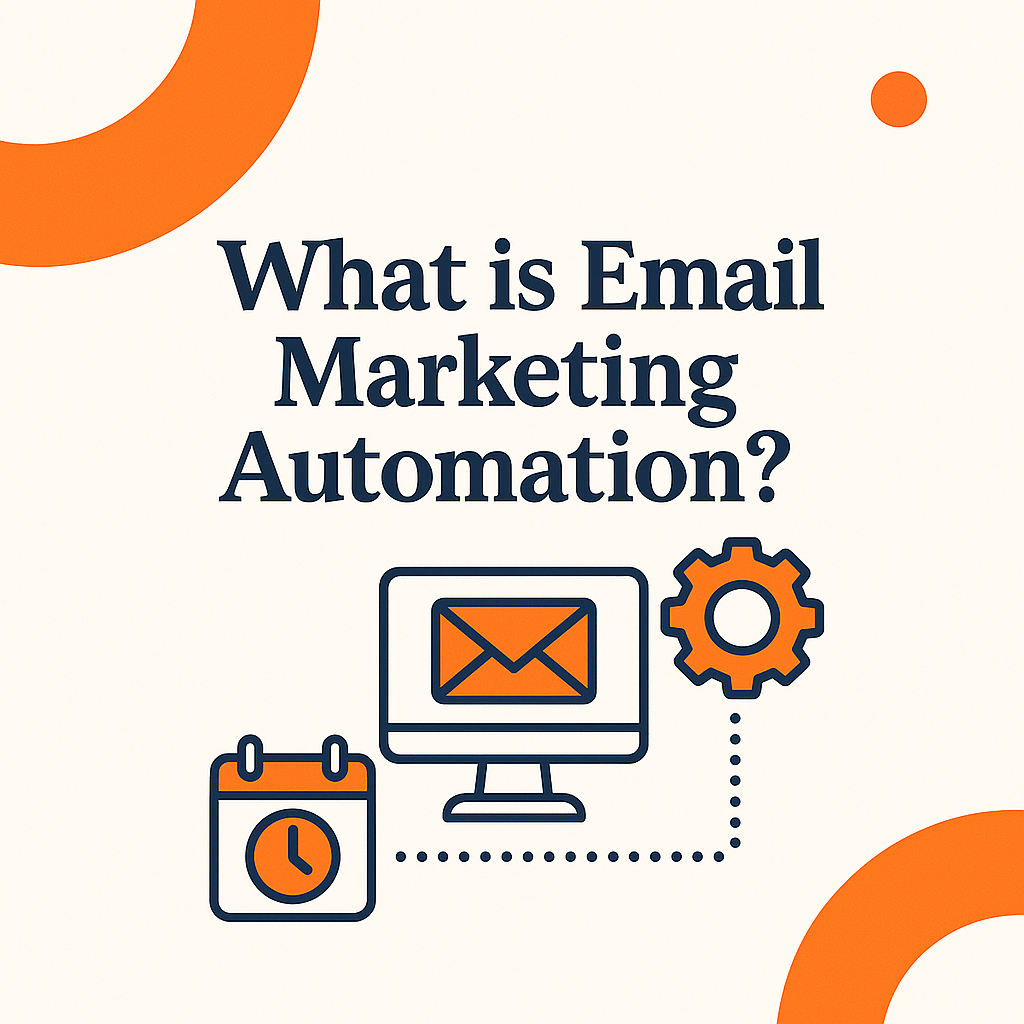
Email marketing automation means using software to send emails. These messages go out based on customer actions. Think of it as a smart system. It sends targeted emails at the right moment using set rules. In addition to sending based on actions, automation can trigger emails using dates, milestones, or customer data. For example, a birthday email with a special offer can create a personal connection, or a “1-year customer anniversary” email can remind them why they chose you in the first place.
Beyond Simple Email Blasts: Segmentation and Personalization
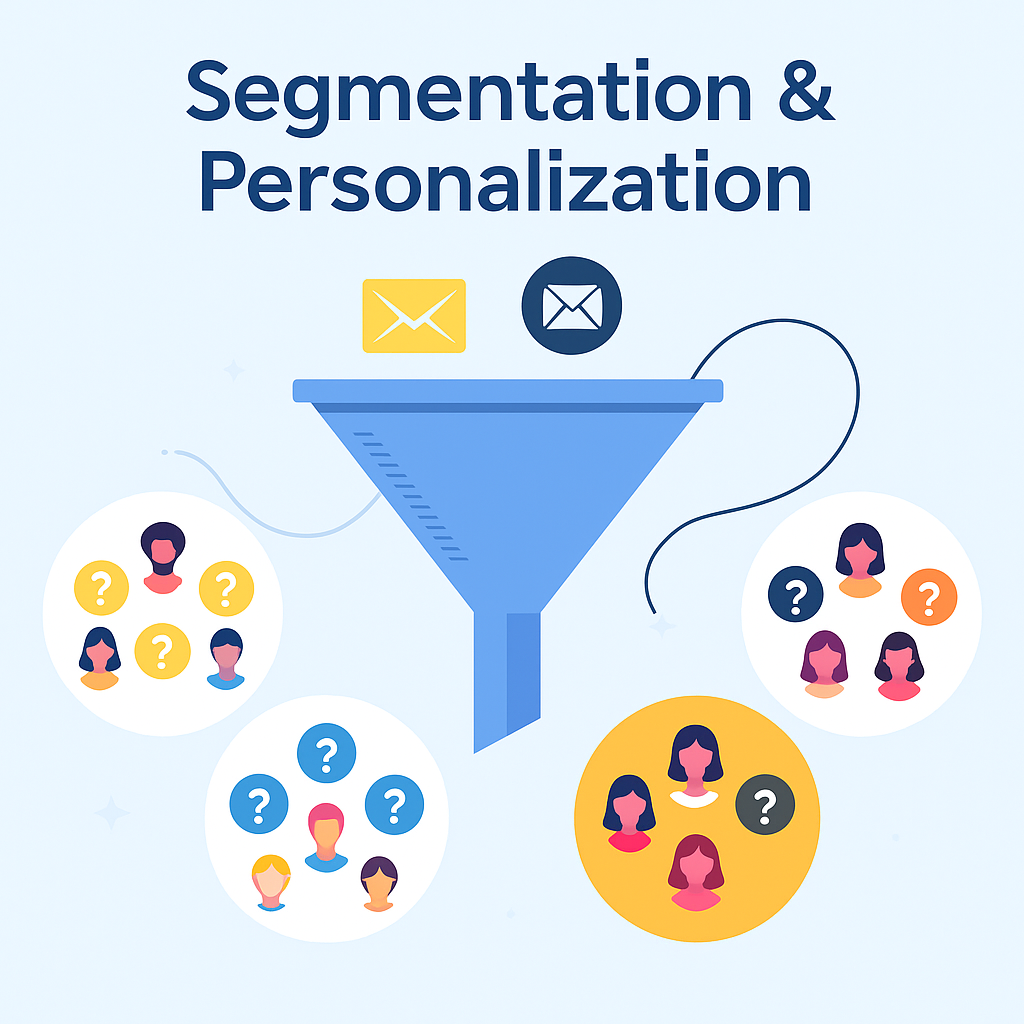
Automation moves past sending the same email to everyone. It lets you divide your email list into smaller groups. This is called segmentation. You can then send personalized content to each group. This makes messages much more useful and effective for your readers.
Segmentation can be based on demographics (age, location), purchase history, or even email engagement (opens, clicks). For small businesses, even basic segmentation, like separating first-time buyers from repeat customers, can lead to double-digit increases in engagement rates. Personalized subject lines alone can boost open rates by up to 26% (Source: Campaign Monitor).
Key Automation Workflows for Small Businesses
Common automation workflows bring big benefits. A welcome series greets new subscribers. Abandoned cart reminders help recover lost sales. Post-purchase follow-ups build loyalty. Re-engagement campaigns win back inactive customers. Each workflow serves a unique purpose. You can also set up seasonal workflows that automatically send themed offers or updates at the same time each year, without you lifting a finger. For example, a “Back-to-School” sale or “Holiday Gift Guide” email can run annually with just minor updates.
The ROI of Automation: Saving Time and Increasing Revenue
Email automation directly helps your business. It impacts your profit and how smoothly you operate. You gain real, clear benefits from using it. Think of it as “set it and forget it”—your campaigns keep running in the background, making money while you focus on other priorities. Many small businesses report that automation not only increases revenue, but also reduces stress because they aren’t scrambling to send last-minute campaigns.
Time Savings: Reclaiming Your Most Valuable Asset
Think about the time you spend on manual email tasks. Automation handles repetitive jobs. This frees up precious hours for you. You can focus on growing your business in bigger ways.

Revenue Growth: Driving Sales and Customer Loyalty
Personalized emails arrive at just the right time. They are triggered by what a customer does. This leads to more sales and higher conversion rates. Automated emails can increase revenue by up to 15%. (Source: HubSpot) They also encourage customers to buy again.
Building Your Automated Email Marketing Foundation
Choosing the Right Email Marketing Automation Platform
Selecting the right platform is a critical step in building an effective email marketing strategy. The “best” tool isn’t always the one with the longest feature list, it’s the one that aligns with your specific goals, audience size, and resources. Start by identifying your must-have features: do you need advanced segmentation, A/B testing, or simple, easy-to-use templates?
Key Features to Look For
Essential features include good segmentation tools. Look for easy-to-use automation builders, often drag-and-drop. Strong analytics help you track success. A/B testing lets you improve messages. Integrations with other tools are also very useful. Also consider deliverability rates, some platforms have stronger reputations for getting emails into inboxes. Another overlooked feature is mobile optimization; with 41% of email views happening on mobile devices (Source: Forbes), you need templates that look great on any screen.
Budget-Friendly Options for Startups
Many platforms offer free versions or low-cost plans. These are great for businesses just starting out. Choose a platform that can grow with you. This ensures it meets your needs in the future.
Growing and Segmenting Your Email List Organically
Building a high-quality email list matters more than having a large one. Focus on getting subscribers who genuinely want to hear from you. Start segmenting them from the very beginning.
Lead Magnets and Opt-In Forms
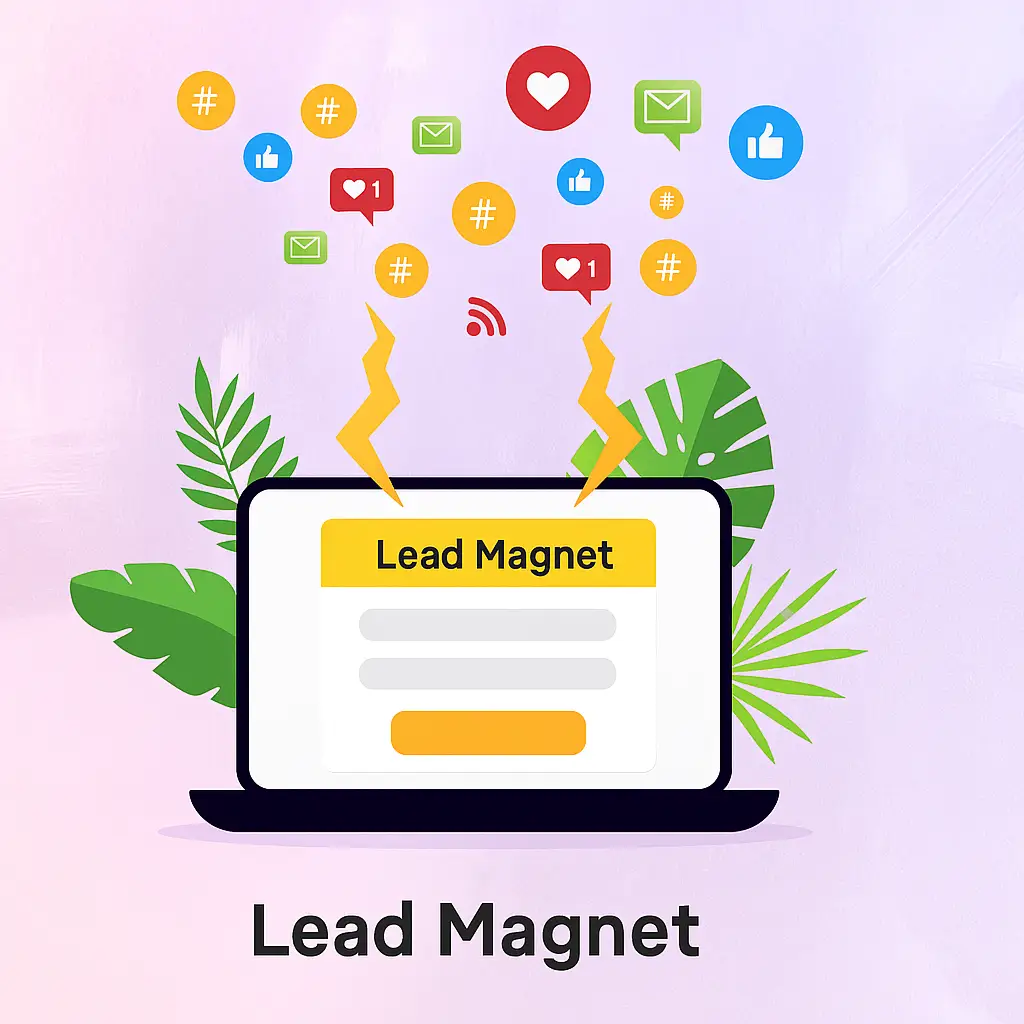
Encourage people to sign up for your list. Offer valuable content like free guides or checklists. Give discounts as a thank you. Use clear and inviting sign-up forms on your website. Share these forms on your social media too. To improve sign-up rates, place your opt-in forms in multiple spots: homepage, blog posts, checkout page, and even your email signature. Test different form headlines to see which ones convert best, sometimes “Get 10% Off Your First Order” works better than “Join Our Newsletter.”
Initial List Segmentation Strategies
Start with basic ways to divide your list. You can segment by who they are or what interests them. Group them by how they joined your list. This helps you send more relevant messages right away.
Essential Email Automation Workflows That Drive Results
The Welcome Sequence: First Impressions Matter
A well-made welcome series is crucial. It sets the tone for your relationship with new subscribers. Your first emails need to make a good impression.
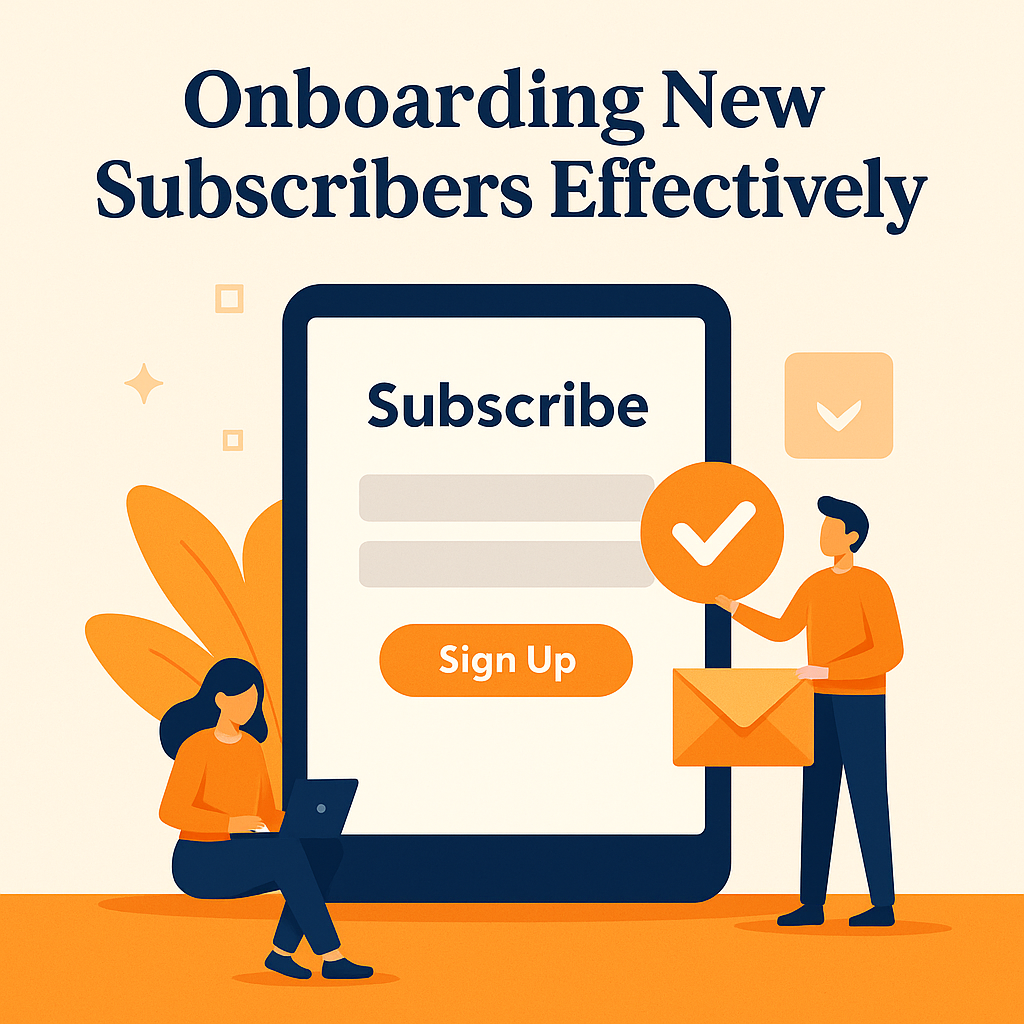
Onboarding New Subscribers Effectively
A typical welcome series might have three to five emails. These introduce your brand. They set clear expectations. They offer value, like helpful tips or a special discount. The series should gently guide the subscriber towards their first purchase or desired action.
Personalizing the Welcome Experience
Make the welcome experience unique for each person. Use info you gathered during their sign-up. Did they join from a specific ad? Tailor the welcome based on that detail. Make the welcome experience personal by using details from their sign-up. If they joined through a specific ad, event, or offer, mention it directly and share content or promotions related to it. Match your tone and visuals to the promise you made, and segment them right away based on any preferences collected so every message feels relevant from the start.
Abandoned Cart and Browse Abandonment Automations
These campaigns help you get back sales you might have lost. They understand why someone didn’t finish buying. Then they help bring them back.
Recovering Lost Sales with Abandoned Cart Emails
When someone puts items in a cart but leaves, send an email. This is the trigger. Remind them about what they left behind. Offer a gentle nudge or a small incentive. Abandoned cart emails have an average open rate of 40% and can recover up to 10% of lost revenue. (Source: SaleCycle). Consider sending a series of 2–3 reminder emails instead of just one. The first can simply remind them, the second can add urgency (“Your cart will expire soon”), and the third can include a special offer or free shipping to seal the deal.
Nurturing Interest with Browse Abandonment
Some people look at products but do not add them to a cart. You can send emails to them too. Offer them more details about the items they viewed. Suggest related products they might like.
Post-Purchase Follow-Ups for Loyalty and Upsells
The customer journey doesn’t end after a sale. Use automated emails to build strong loyalty. Encourage customers to buy again from you. Beyond upselling, post-purchase sequences are perfect for sharing usage tips, care instructions, or “how to get the most from your purchase” guides. These add value, reduce returns, and increase customer satisfaction.
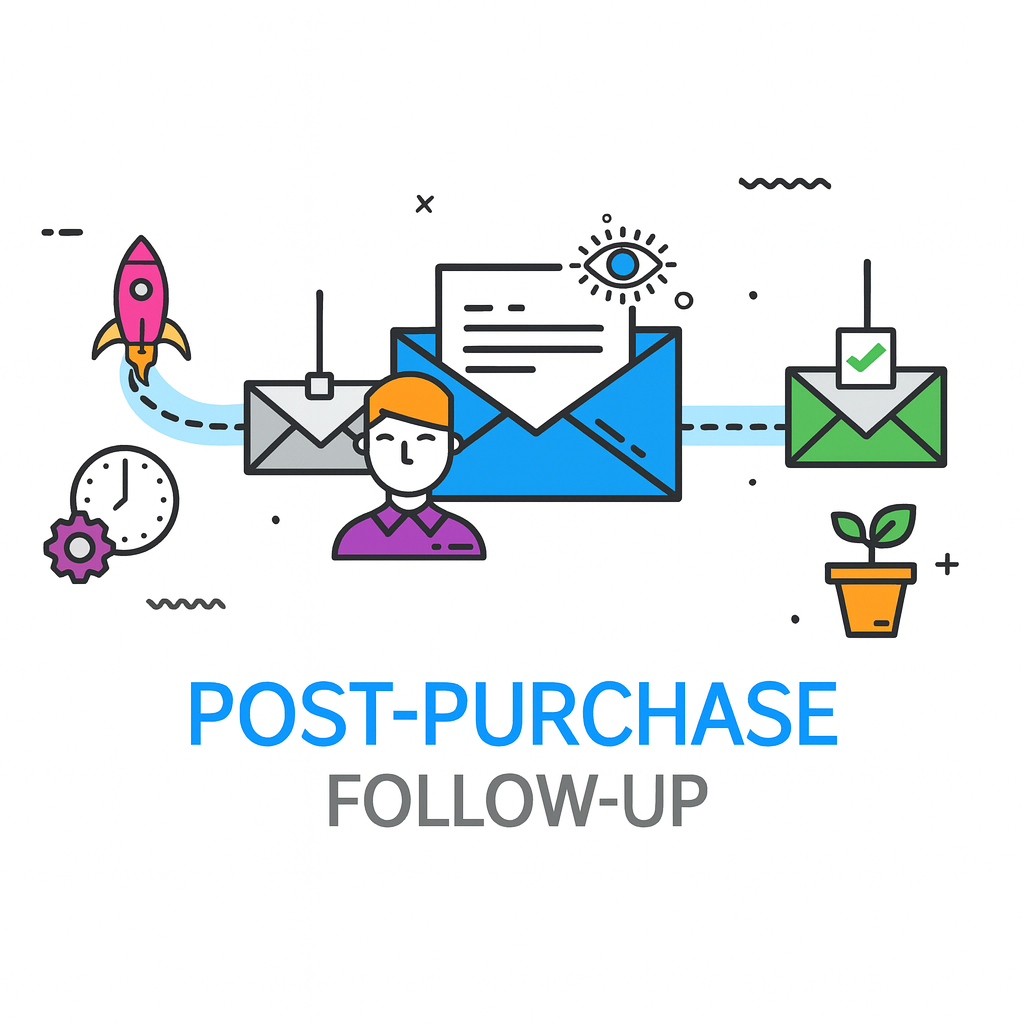
Building Relationships Post-Sale
Send emails like order confirmations and shipping updates. A thank-you note is always a nice touch. You can ask for reviews of their new product. For example, a thank-you email could offer 10% off their next purchase.
Strategic Upselling and Cross-selling
Look at what customers have bought. Then, in your automated follow-up emails, suggest more items. You can recommend products that go well together. Or you can offer upgrades they might find useful.
Advanced Automation Strategies and Best Practices
Re-engagement Campaigns: Winning Back Inactive Subscribers
Email lists naturally lose some interest over time. Automation helps you bring back inactive people. Decide what “inactive” means for your business. You can also combine re-engagement with a survey. Ask inactive subscribers why they haven’t engaged—maybe they want fewer emails, different topics, or seasonal offers. This feedback can shape your future campaigns.
Identifying and Targeting Lapsed Subscribers
Set rules for inactivity. For instance, no opens or clicks in 90 days. When someone meets this, trigger a “win-back” campaign. This focuses on getting them interested again.
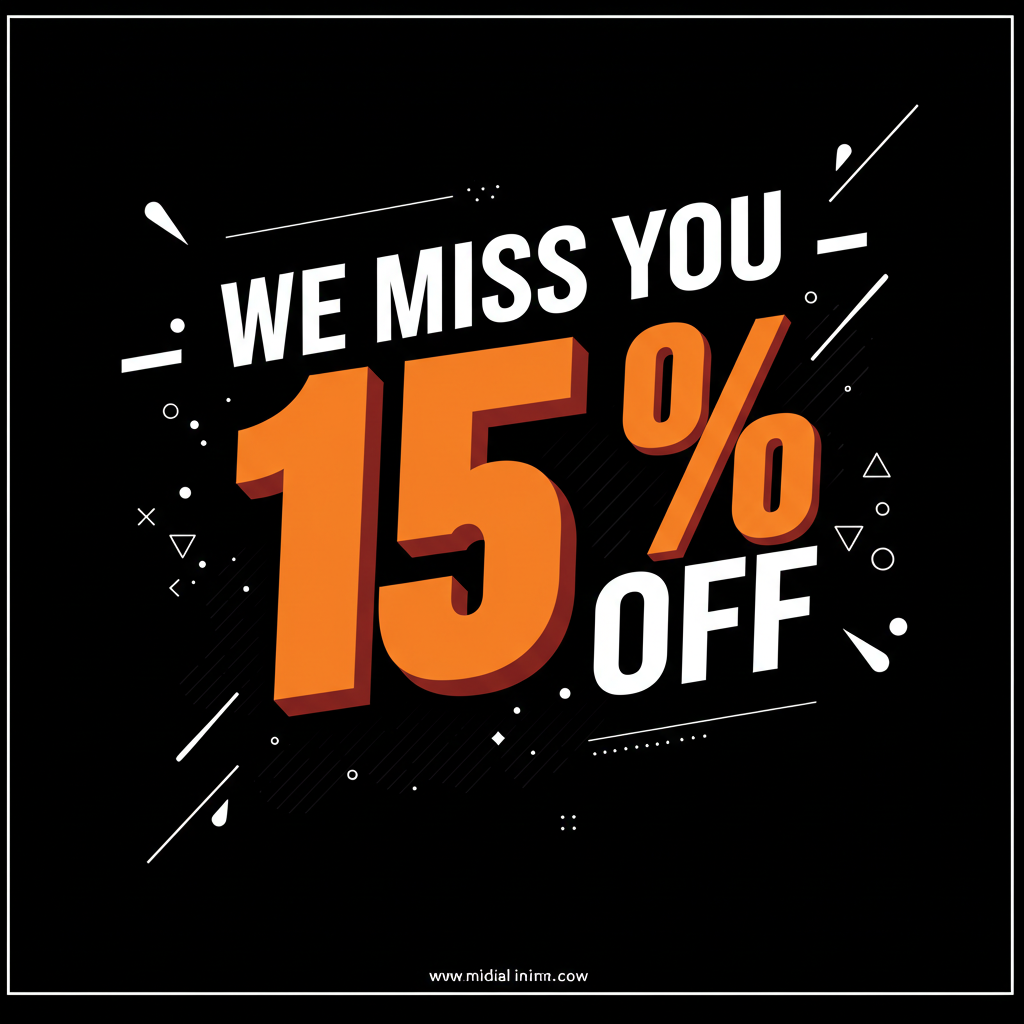
Crafting Compelling Win-Back Offers
Your win-back emails need to be strong. Offer special discounts or exclusive content. You could even ask for their feedback directly. A strong subject line might be, “We Miss You! Here’s Why You Should Come Back.”
Leveraging Data for Smarter Automation
Always look at your email data. This helps you get better over time. What numbers should small businesses pay attention to most?
Key Metrics to Monitor
Track your open rates. See how many people click links (CTR). Check your conversion rates. Monitor how many people unsubscribe. Look at the revenue each email generates. These numbers show what’s working and what is not.
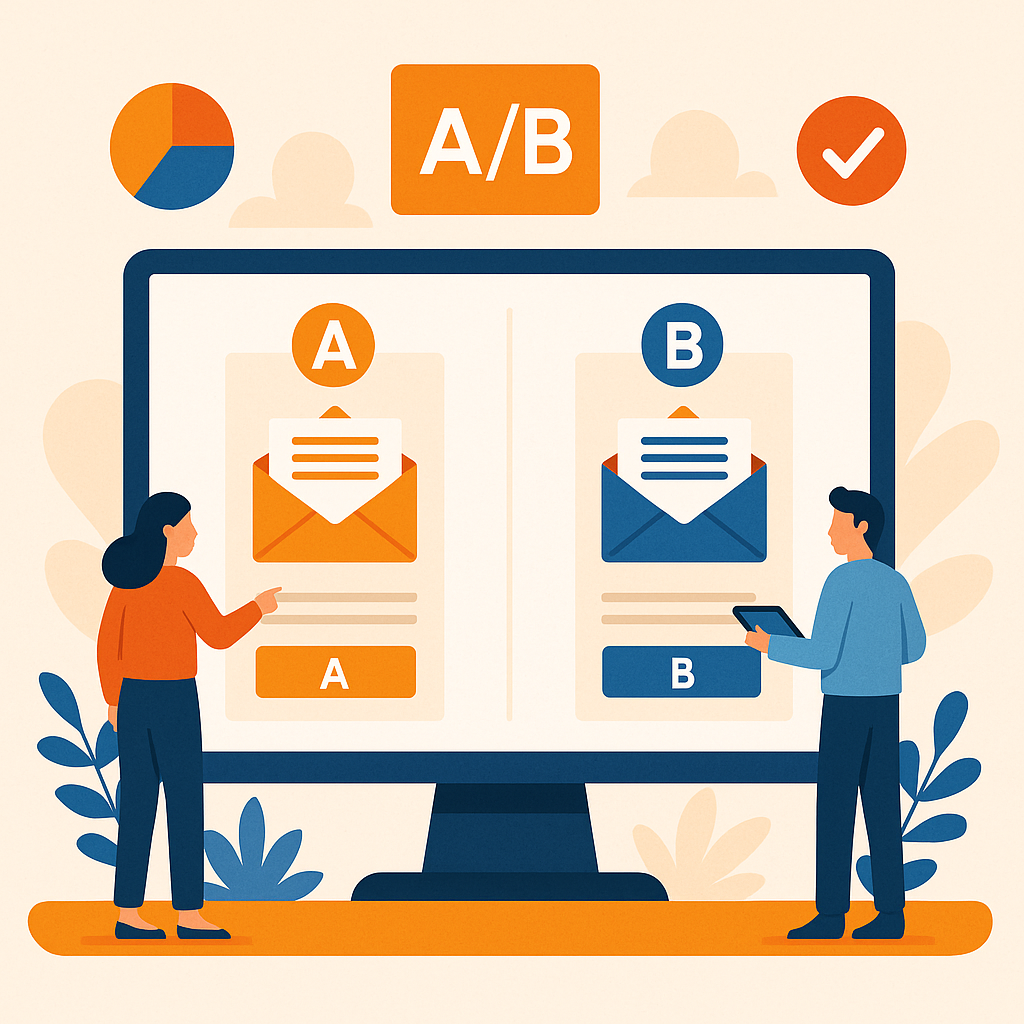
A/B Testing Your Automated Emails
A/B testing means trying two versions of an email. See which one performs better. Test different subject lines. Change your email content or calls to action. Even try sending at different times. For example, send half your welcome emails with one subject line and half with another.
Compliance and Deliverability: Staying Out of the Spam Folder
It is vital to follow rules for email marketing. You must ensure your emails reach inboxes. What rules do you need to know?
Understanding GDPR, CAN-SPAM, and Other Regulations
Always get clear permission to email someone. Provide an easy way for people to unsubscribe. This keeps you compliant with laws like GDPR and CAN-SPAM.
Best Practices for High Deliverability
Keep your email list clean and updated. Make sure your sender name is clear. Avoid words that sound like spam. These actions help your emails land in the inbox, not the junk folder. Send consistently, irregular email schedules can lead to lower engagement and more spam complaints. A steady frequency (e.g., once a week or twice a month) helps your audience remember who you are and why they subscribed.
Conclusion
Email marketing automation is a powerful tool. It saves you valuable time. It helps grow your revenue. It builds stronger relationships with your customers.
This approach is not just for big companies. Email automation is a powerful, reachable solution for any small business. It helps you do more, even with limited resources.
Start small with your automation plan. Set up one or two key workflows. Then, slowly build on your success. Begin by creating a welcome email series today.